
Viral launch videos for moon-shot founders 
Flowjam partners with AI founders and startups aiming for the moon, to create story-driven launch videos to build hype and show the world what they're building.












Flowjam works with some of the most successful AI founders in the world after only launching in 2023.
Copyright 2026. Flowjam Ltd.
Copyright 2026. Flowjam Ltd.
Explainer Video for SaaS
Learn how to create a high-converting explainer video for your SaaS. See 10 award-winning examples, step-by-step checklist, and the best agencies to hire.

Last reviewed and updated: September 25, 2026.
Making the explainer with AI? Our step-by-step guide on how to make AI videos covers the full workflow, and the best AI video generators roundup ranks the tools.
Explainer Video for SaaS: What Is It & Why Should You Care?
An explainer video for SaaS is a short, story-driven animation or live-action clip (usually 60–90 seconds) that shows how your cloud software solves a painful, expensive, or time-sucking problem. Think of it as your elevator pitch on espresso—caffeinated visuals, crystal-clear messaging, and a punchy call-to-action that nudges viewers to sign up, book a demo, or at least remember your name when the budget gods smile.
Why do you need one? Because the average visitor to your landing page will bounce in 8 seconds if they don’t “get it” NNGroup, 2024. A tight explainer video for SaaS can:
- Slash support tickets by 34 % (Wistia, 2023).
- Lift free-to-paid conversion by up to 80 % (Vidico case study).
- Shorten your sales cycle because prospects arrive pre-sold.
Still not convinced? Flowjam, a studio that’s produced launch videos for 25+ YC startups, reports that 72 % of founders who added an explainer to their seed-round deck closed their round faster. (Yep, that’s a shameless plug—but it’s also true.)
New to the format? Potto's guide to what an explainer video is covers the main types and when to use each one.
Ready to level-up? Grab your coffee and let’s roll.
Contents
Benefits of Explainer Videos for SaaS (Beyond “It Looks Cool”)
Key Elements of an Effective SaaS Explainer Video
Best Practices for Creating a SaaS Explainer Video
10 Explainer Videos for SaaS That Absolutely Nailed It
How to Choose the Right Explainer Video Company for Your SaaS
Explainer Video for SaaS Checklist (Save & Steal)
FAQ: Explainer Video for SaaS
Ready to Press Record?
Benefits of Explainer Videos for SaaS (Beyond “It Looks Cool”)
✅ Translate Complex Features into “Aha!” Moments
Your AI-driven, API-first, SOC-2-compliant middleware might feel sexy to you. To prospects, it’s alphabet soup. A well-scripted explainer video for SaaS turns “feature lists” into problem → solution → outcome stories in under two minutes.
This matters most for AI products, where the value is easy to overpromise and hard to see. dooop has a sharp piece on how to demonstrate the value of an AI feature with contextual examples, which is exactly the thinking your explainer script should start from.
✅ Boost Conversion Rates Across the Funnel
- Top-of-funnel ads: Facebook and YouTube CPA drops 19 % on average when the ad is a video Wordstream, 2024.
- Landing pages: SaaS companies using video see 12 % higher sign-up rates (Unbounce).
- Email sequences: Adding the word “video” in subject lines lifts open rates by 6 % (HubSpot).
Video works best when the page around it answers the buyer's questions too. Arch Web Design's breakdown of question-led SaaS pricing and signup page patterns shows how to cut friction on the pages your explainer sends people to.
Where the video sits matters as much as the video itself. Frame24's breakdown of landing page video conversion covers placement, autoplay and length choices that decide whether visitors actually press play.
✅ Accelerate User Onboarding & Reduce Churn
Post-signup, the same video repurposed as an in-app tooltip can cut Day-7 churn by 23 % (Appcues, 2023). Less “how do I…?” = more “wow, this is useful.”
Key Elements of an Effective SaaS Explainer Video
1. Scriptwriting & Messaging
Keep the classic PAS formula: Pain, Agitate, Solution.
- Pain: “Spreadsheets weren’t built to run a 50-person remote team.”
- Agitate: Show the chaos—missed deadlines, Slack rage, finance side-eye.
- Solution: Your SaaS appears like a Marvel hero.
Pro tip: Write for the skim-reader. Short sentences. Punchy verbs. One idea per frame.
Your script should also use the same one-line description of your product that sits on your homepage and profiles. SearchAxe has a practical guide on how to describe an AI product so Google and AI engines understand it, and that sentence makes a strong opening line for the voiceover too.
Before writing a word of script, describe the task your buyer does today rather than the technology. Media Glitch's guide on explaining an AI product to non-technical buyers shows how.
A useful way to structure the script is Kuber Sharma's Belief Bridge framework, which moves a skeptical viewer one belief at a time from "this problem isn't mine" to "this product solves it". Each beat of the video should carry the viewer across one step.
For real examples of that narrative arc, VEC Studio's breakdown of how SaaS companies use storytelling to sell their product shows the frameworks behind brands that convert.
2. Visual Style & Branding
Match your product vibe.
- B2B fintech? Clean 2D motion graphics, navy & electric-green palette.
- PLG dev-tool? Code-window screencast mixed with playful 3D emoji explosions.
Torn between the two? Pixlnexs' guide to 2D vs 3D animation for explainer videos breaks down when each style works best.
For deep tech and hardware products, the brand has to make complex IP feel simple before the video does. BBDirector's guide to deep tech brand strategy covers how to turn technical depth into a clear value proposition.
3. Animation & Motion Graphics
- Rule of 3s: No single shot longer than 3 seconds.
- Micro-interactions: Hover states, button clicks—tiny details that scream “this product is alive!”
If you want to see how a motion graphics explainer comes together step by step, Eggplain's guide on how to make a motion graphics explainer video walks through the process from script to final animation.
Building your first one from scratch? NerdChips has a beginner-friendly guide on how to create animated explainer videos that covers each step, from planning to export.
4. Voiceover & Sound Design
- Voice: Conversational, gender-neutral, mid-30s energy.
- Music: Subtle build-up; crescendo at the reveal.
- SFX: Subtle whoosh for transitions, cash-register “ding” when ROI hits.
Music choice is the part most teams rush. Alenka Media's guide to background music for business covers licensing and how tempo shapes how people feel about a brand, which applies just as much to the track under your explainer.
Need a soundtrack for a product demo or explainer? SFXVault's Tech Startup Pack is a set of background tracks built for exactly this kind of video. (Partner resource: Flowjam and SFXVault recommend each other's resources. No payment is involved.)
5. Call-to-Action
End on one CTA: “Start free today” or “Book a 15-min demo.” Multiple CTAs = zero CTAs. Nielsen Norman Group.
If the video lives on YouTube, the last 20 seconds matter as much as the CTA itself. Alan Spicer's YouTube end screen strategy breaks down how to use that window so viewers keep watching.
Selling an AI product? WhySoMotion's guide on how to explain an AI product in 60 seconds shows how to show the AI working without the robots and glowing brains.
Best Practices for Creating a SaaS Explainer Video
✅ Keep it under 90 seconds. The sweet spot is 60–75 seconds for cold traffic.
✅ Storyboard for mobile first. 70 % of B2B buyers research on their phone (Google, 2024).
✅ Front-load the value prop. Mention your core benefit in the first 8 seconds.
✅ Use captions. 85 % of social videos are watched on mute.
✅ A/B test thumbnails. A smiling face vs. product dashboard can swing CTR by 12 %.
Common Mistakes to Avoid
❌ Packing every feature—viewers remember three things max.
❌ Choosing style over substance. A Pixar-level animation with weak messaging still flops.
❌ DIY-ing when you hate being on camera. Your future investors will see that flop-sweat.
A great explainer only works if people find it. eSEOspace's video SEO guide covers how to optimize titles, descriptions and YouTube ranking factors so the video gets seen.
10 Explainer Videos for SaaS That Absolutely Nailed It
(All screenshots are linked to the original source so you can binge-watch later.)
0. Flike – By What a Story
Style: Motion Graphics, UI Animation
Why it works: This AI-powered product demo for Flike's sales engagement platform uses smooth motion graphics and intuitive UI animations to make complex features immediately understandable. Demonstrates how modern B2B SaaS platforms use video to drive user adoption and reduce onboarding friction.
1. Vidico – Spotify CTA Cards
1. Vidico – Spotify CTA Cards
Style: Minimal 2D motion graphics
Why it works: Solves a new problem (podcast ad CTAs) in 38 seconds, uses Spotify-green brand palette, and ends with a single action verb: “Try.”
2. Square for Retail – Vidico
Style: Mixed-media (live-action + UI screencast)
Takeaway: Personalizes the pain—“Like you, your retail business is unique”—before showing the tech fix.
3. Airwallex – Vidico
Style: 2.5D isometric animation
Gem moment: Visualizes cross-border payments as tiny planes flying over a globe—chefs-kiss.
4. Dropbox – Blue Carrot
Style: Classic 2D
Lesson: Zero text on screen, yet everyone understands sync in 60 seconds. Proof that visual metaphors > buzzwords.
5. Asana – Blue Carrot
Style: UI screencast + upbeat VO
Key insight: Shows the “before” (messy email threads) and “after” (Asana board) split-screen. Instant empathy.
6. Bloom Money – Kasra Design
Style: Hand-drawn cel animation
Why it pops: Targets under-banked communities with warm, hand-drawn characters—diversity done right.
7. Rivet – PING Studio
Style: Clean 3D
Highlight: Transforms boring healthcare A/R data into sleek, translucent blocks—like Minecraft for revenue teams.
8. JivoChat – Flat Vector
Style: Minimalist 2D
Sneaky smart: Uses color-coded chat bubbles to differentiate channels—no UI screenshots needed.
9. Discord – Panic
Style: Humor-driven screencast
Easter egg: A dog pops out behind a server list. Meme culture meets product demo.
10. Shopify “Do Your Thing” – Shopify Studios
Style: Live-action + UI overlay
Magic: Warm, sun-kissed color grading makes ecommerce feel human, not transactional.
Want more recent examples? WREDD's breakdown of the best SaaS video examples of 2026 walks through three AI product explainers and the lesson behind each one, like structuring a multi-feature product around a single user journey instead of a feature list.
How to Choose the Right Explainer Video Company for Your SaaS
1. Portfolio Fit
Look for at least three SaaS projects in their reel. Bonus points if they’ve worked in your vertical (fintech, dev-tools, healthtech).
2. Process Transparency
Ask for a Gantt chart or Notion board. You want weekly check-ins, not radio silence.
3. Pricing Sweet Spot
- 2D animation: $5 k–$8 k
- 3D or mixed-media: $10 k–$15 k
- Rush delivery add-on: +30 % (Flowjam offers this, FYI.)
For a detailed breakdown of what each budget tier gets you, Bulat Visual's guide to SaaS explainer video cost is worth a read.
4. Revision Policy
Unlimited revisions = peace of mind. Anything capped at “2 rounds” is a red flag.
5. Reviews & Results
Ask for metrics, not just testimonials. “Lifted trial-to-paid by 27 %” beats “They were nice to work with.”
Quick plug: If you’re hunting for a studio that checks all five boxes, Flowjam’s portfolio is stacked with YC alumni who closed Series A after dropping a launch video. Just sayin’.
Explainer Video for SaaS Checklist (Save & Steal)
✅ Define ONE core problem your SaaS solves
✅ Write a 150-word script using PAS framework
✅ Pick a visual style that matches your brand
✅ Storyboard for mobile (9:16 safe zones)
✅ Record VO with a dynamic range mic (Shure MV7 is solid)
✅ Add burned-in captions (use Rev or Descript)
✅ End with a single CTA button & vanity URL
✅ Upload to Wistia or Vimeo for chapter markers
✅ Repurpose for TikTok Ads (cut 15-sec teaser)
✅ Embed above the fold on your landing page
✅ Track play-rate & sign-up correlation in GA4
FAQ: Explainer Video for SaaS
1. How long should an explainer video for SaaS be?
60–90 seconds for cold traffic; up to 2 minutes if your product is enterprise-grade complex.
2. How much does a SaaS explainer video cost?
$5 k–$15 k for 2D/3D animation. Add-ons like rush delivery or multiple aspect ratios can bump it 20–30 %.
3. Can I use stock assets to save budget?
Sure, but custom characters & branded UI mockups convert 22 % better (Vidico A/B test, 2024).
4. Should I hire a freelancer or an agency?
Agencies give you a full stack (script, design, sound) under one roof and usually hit deadlines faster. Freelancers can work if you have an in-house creative lead.
5. What’s the ROI timeline?
Most SaaS teams see measurable lift in sign-ups within 30 days of launching the video on their homepage.
Ready to Press Record?
Creating an explainer video for SaaS isn’t a “nice-to-have” anymore—it’s the fastest way to cut through the noise, convert skeptical visitors, and make investors lean forward in their Zoom squares.
If your Notion board still says “explainer video – Q3 maybe,” move it to “this week.” And if you’d rather spend that time closing deals, grab a slot on Adam’s calendar at Flowjam and let the pros handle the pixels.
Now cue the dramatic music and hit export. Your future users are waiting.
Related read: saas explainer video: 2025 Founder’s Guide to 30-day Conversions
AP
About the author
Adam Petty
Founder, Flowjam
Adam is the founder of Flowjam, where he helps startups turn ideas into launch videos, product demos, and ads with AI video. He writes about AI video production, creative workflows, and go-to-market for early-stage teams.
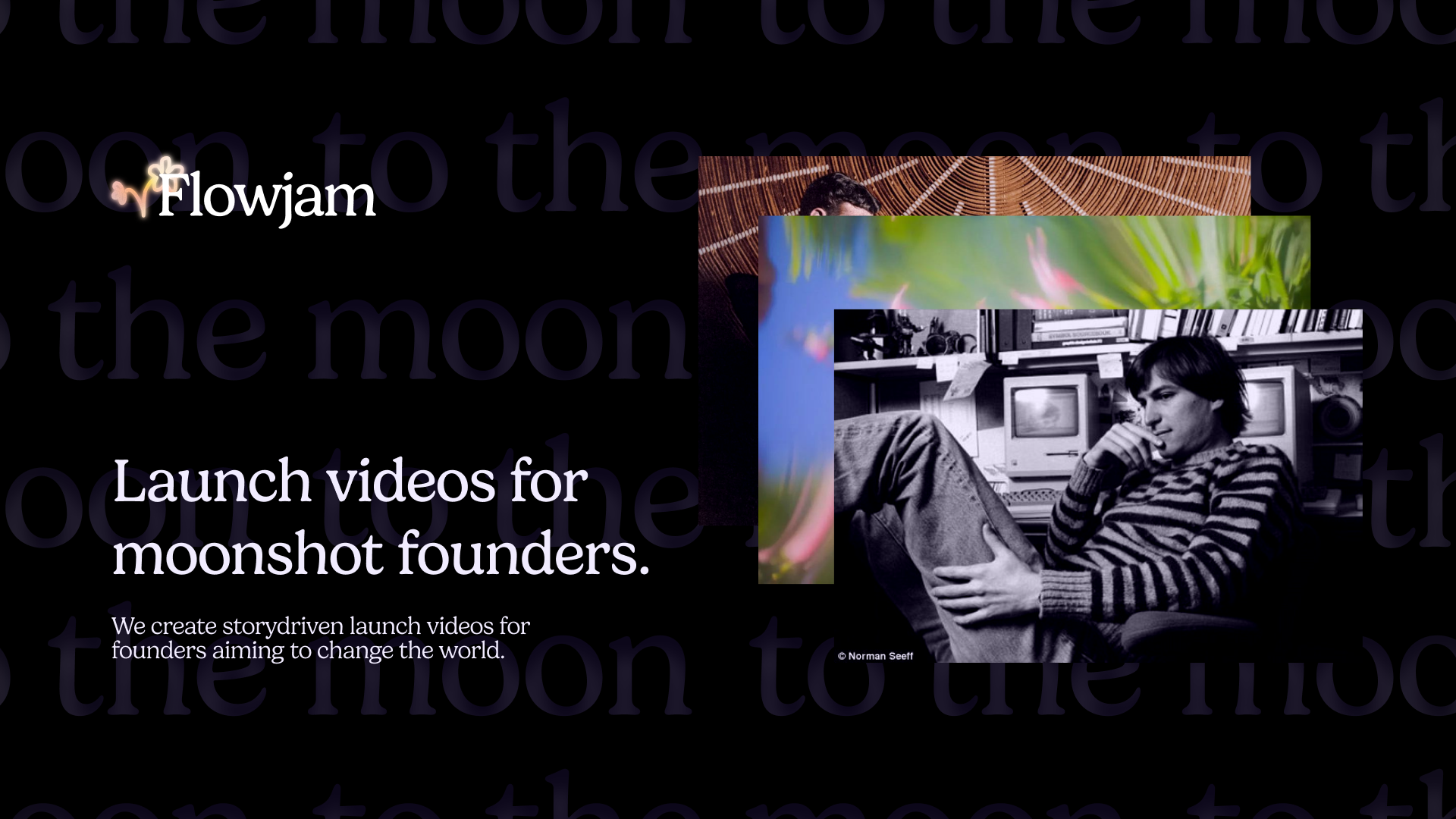




Launch videos for
moon-shot founders.

About
We're a video production studio partnering with AI founders and startups. We make launch videos to show the world what you're building.
London / San Francisco
Studio in London, UK. Also in San Francisco, working with clients worldwide.
Contact
Adam Petty
Founder
adam@flowjam.com
Founder
adam@flowjam.com